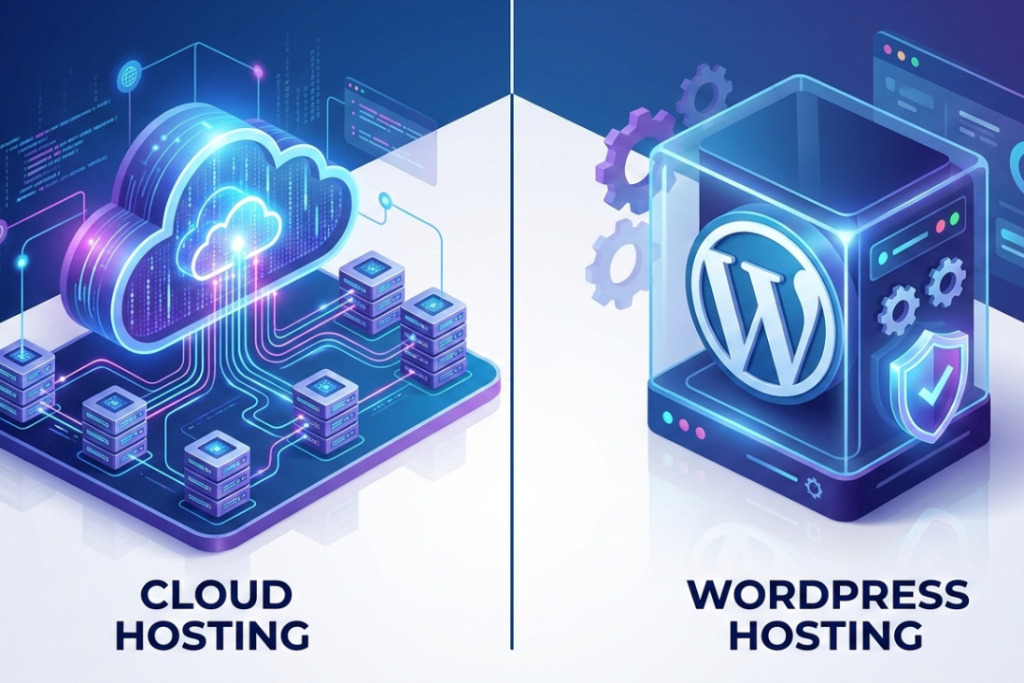
For any website or online business using the right hosting solution is important. The two main options are dedicated servers and cloud servers. They might look the same at first. Both are fast and used by large websites and businesses. They work in different ways and are best for different needs.
This guide will explain dedicated and cloud servers in simple words, you can choose the right one for your website.
What Is a Dedicated Server?

A dedicated server is a physical server reserved for one customer.
All its resources such as CPU, RAM, storage and bandwidth are dedicated to your website.
Simple example
A dedicated server is like having your own house.
Everything in the house is yours and you don’t share the space with anyone else.
When dedicated servers are usually used
- Large websites with steady, high traffic
- Businesses that need full control over their server
- Projects that handle sensitive data
- Companies with technical teams or IT support
What Is a Cloud Server?

A cloud server is a virtual server that runs on many connected physical servers.
Instead of using just one machine, your website shares resources from several servers. If one server has a problem another one steps in automatically.
Simple example:
A cloud server is like renting flexible office space.
You can easily get more space when needed and give it back when you don’t.
Why cloud servers are popular:
- Easy to scale up or down
- Usually more affordable
- Beginner-friendly, especially when managed
- Very reliable during traffic spikes
Dedicated Server vs Cloud Server: Quick Overview
What They Have in Common
- Fast performance
- Suitable for business websites
- Can handle high traffic
- Offer better reliability than shared hosting
Key Differences Explained
- Cost: Dedicated servers cost more , while cloud servers are easy to adjust.
- Scalability: Cloud servers can scale instantly , while dedicated servers require planning.
- Control: Dedicated servers give full control , while cloud servers provide limited control.
- Management: Cloud hosting is usually easier to manage
Dedicated Server vs Cloud Server: Side-by-Side Comparison
| Feature | Dedicated Server | Cloud Server |
| Performance | Very stable and predictable | Fast, but can vary slightly |
| Traffic Handling | Handles large, steady traffic well | Handles traffic spikes easily |
| Scalability | Requires upgrades and planning | Instant and flexible |
| Security | Very high due to single use | Strong, especially with managed services |
| Customization | Full control over software and OS | Limited customization |
| Management | Requires technical knowledge | Usually beginner-friendly |
| Reliability | Depends on one server | Uses multiple servers for backup |
| Pricing | Fixed monthly cost | Pay for what you use |
| Technical Skills | Often required | Not required with managed plans |
| Support | Varies by provider | Often includes 24/7 support |
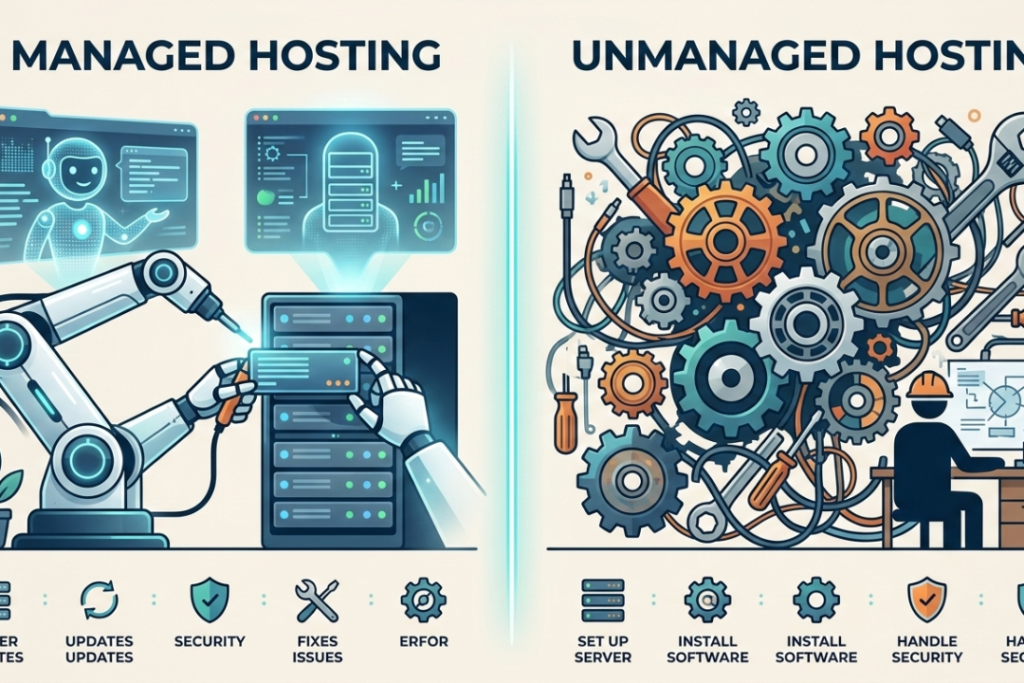
Managed vs Unmanaged Hosting
Managed Hosting
With managed hosting, the hosting provider:
- Handles server updates
- Takes care of security
- Fixes technical issues
- Monitors performance
This is ideal if you don’t want to manage a server yourself.
Unmanaged Hosting
With unmanaged hosting, you:
- Set up the server
- Install software
- Handle security and updates
This option is best for experienced users and IT teams.
Hybrid Hosting: A Middle Option
Hybrid hosting combines cloud flexibility with dedicated power.
You may use:
- Dedicated servers for important data
- Cloud servers for scaling and backups
This is a good choice for growing businesses looking for both stability and flexibility
How to Choose the Right Option
Choose a Cloud Server If:
- Your traffic changes often
- You want flexible pricing
- You prefer easy management
- You’re a beginner or small business
- You expect your website to grow
Choose a Dedicated Server If:
- Your traffic is high and steady
- You need full server control
- You handle sensitive data
- You want consistent performance
- You have technical expertise
Switching Between Hosting Types
Many websites start with cloud hosting and move to dedicated servers when they grow.
You might switch to a cloud server if:
- Your site gets traffic spikes
- You want to reduce costs
- You need fast scaling
You might switch to a dedicated server if:
- Your traffic becomes stable
- You need more control
- Performance consistency is critical
Cloud vs Dedicated: Small Business vs Enterprise
- Small businesses usually prefer cloud hosting for its low cost and simplicity
- Growing businesses often use cloud or hybrid hosting
- Large enterprises often choose dedicated servers for control and security
Summary: Dedicated Server vs Cloud Server
Cloud servers are cheap, flexible and simple to manage, ideal for most websites and businesses.
Dedicated servers give complete control and steady performance, best for big organizations with particular requirements.
There’s no single best option. It depends on your website’s size, traffic and budget
Frequently Asked Questions
Is cloud hosting cheaper than dedicated hosting?
Yes, cloud hosting is affordable because you only pay for what you use.
Is a dedicated server faster than a cloud server?
Dedicated servers offer more consistent performance , but cloud servers are fast enough for most websites.
Can I upgrade later?
Yes, Most websites use cloud hosting and move to a dedicated server when your website grows.
Which option is better for beginners?
Cloud hosting, especially managed cloud hosting is better for beginners.
Do both options include backups?
Most managed plans include backups but it’s always a good idea to check with your provider.