Businesses today need fast systems, secure data and room to grow. That’s why many companies compare in-house servers with cloud computing.
Years ago, keeping servers inside the office was normal. But today, cloud computing has changed how businesses work. It’s faster , easier to manage and usually costs less.
To understand which option makes more sense , let’s break things down in a simple way.
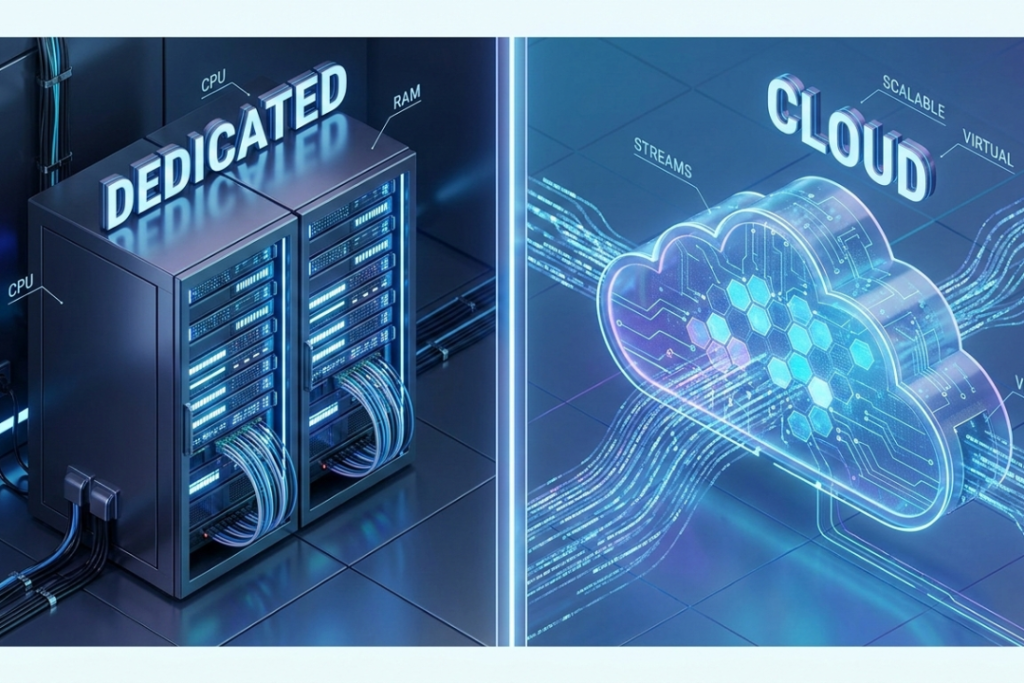
What Is an In-House Server?
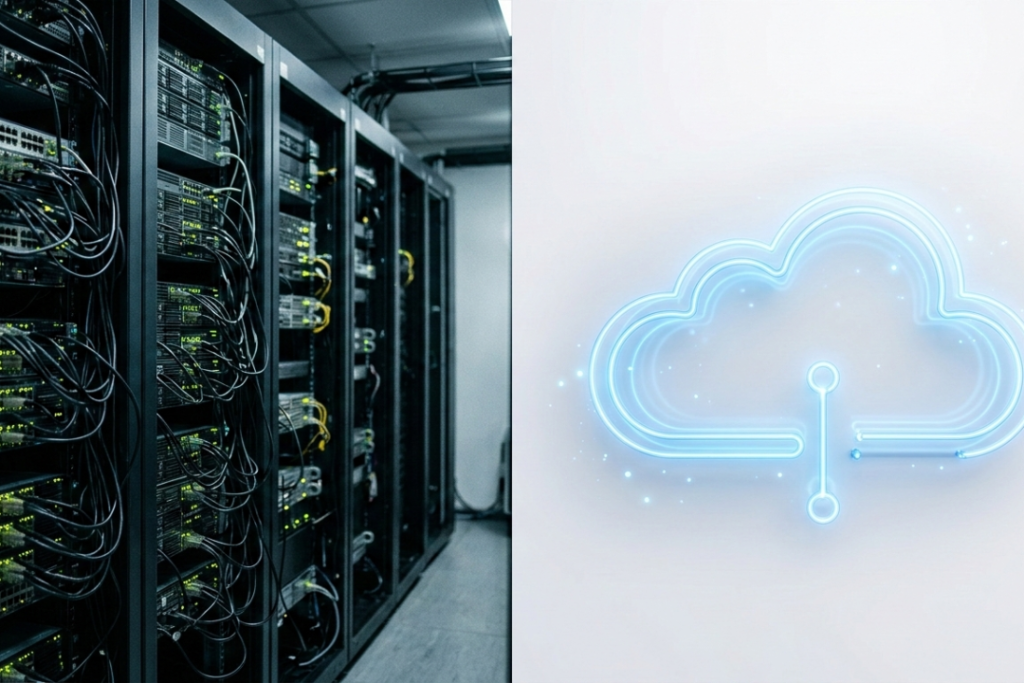
An in-house server is a physical server kept inside your office or company building.

Your business is fully responsible for:
- Buying the hardware
- Setting up a server room
- Paying for electricity and cooling
- Hiring IT staff
- Handling updates , security and backups
This setup gives you full control , but it also brings high costs and ongoing responsibilities.
What Is Cloud Computing?
Cloud computing means your servers are hosted by a cloud provider instead of being kept in your office.
You don’t own the hardware. Instead , you rent computing resources over the internet.
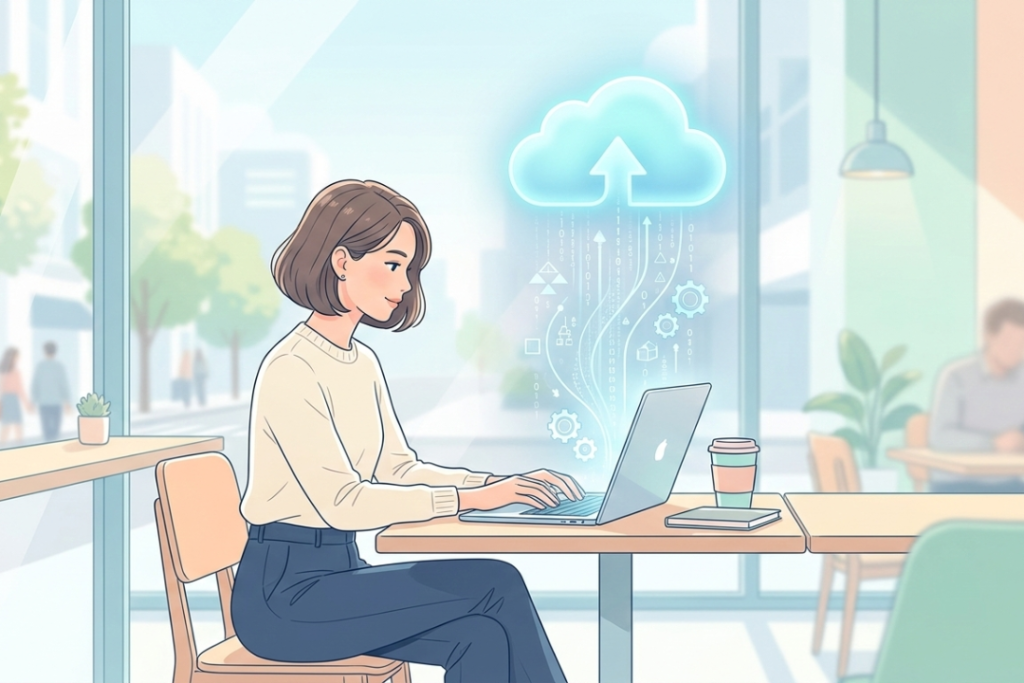
The cloud provider handles:
- Hardware and maintenance
- Security and updates
- Power and cooling
- Backups and disaster recovery
You simply log in and use what you need.
The Eight Key Differences Between In-House Servers and Cloud Computing
1. Staffing Costs
In-house servers need a skilled IT team to manage hardware , fix issues and handle upgrades. As your system grows , so does your staffing cost.
With cloud computing , most of that work is handled by the provider. You may only need one administrator to manage your services , not a full IT department.
2. Hardware and Infrastructure Costs
In-house servers require a big upfront investment. You need servers , networking equipment and a dedicated space to store them.
Cloud computing removes this burden. There’s no need to buy hardware. Your monthly cost depends on how much you use.
3. Energy and Power Costs
Servers run all day and night , and they produce heat while working. This increases electricity bills and often requires backup power systems.
Cloud providers take care of power , cooling and backup generators. Even if your office loses power , your systems stay online.
4. Time and Productivity
With in-house servers , installing software and updates can take hours or days. IT teams must manage each change manually.
Cloud systems update automatically. Employees can access tools from anywhere using a browser , which saves time and boosts productivity.
5. Total Cost of Ownership
When you add staffing , hardware , energy , space and maintenance , in-house servers become expensive over time.
Cloud computing puts everything into one clear cost , so it’s easier to plan your budget and avoid unexpected charges.
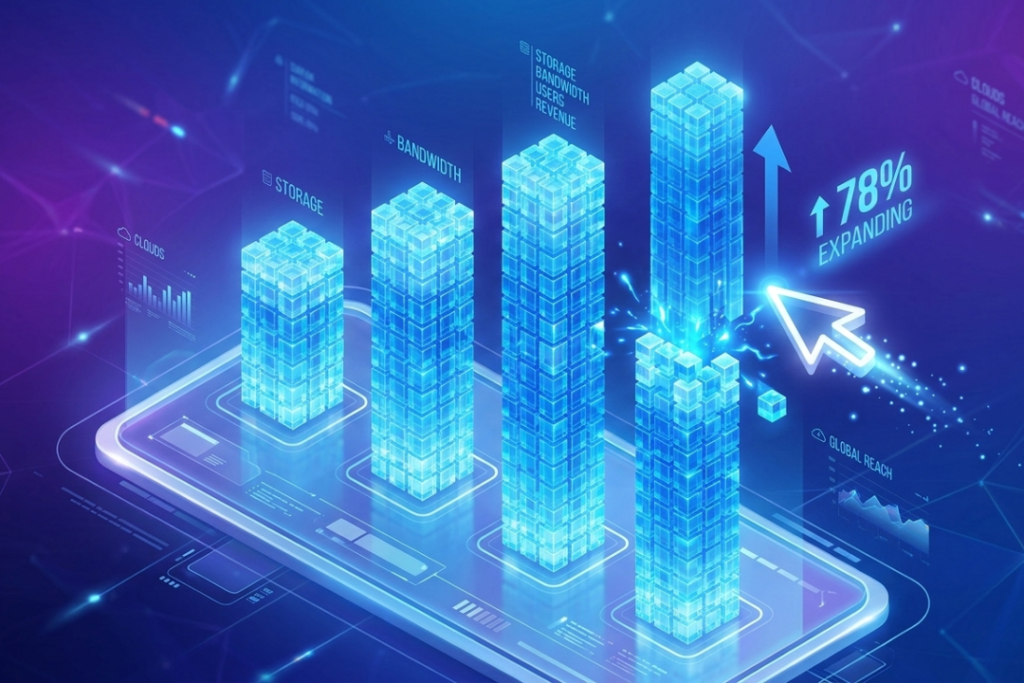
6. Scalability and Growth
In-house servers are built for peak usage. Even if you need extra power only once a month , you still pay for it all year.
Cloud computing allows you to increase or reduce resources right away, whenever you need. Need more power for a short time? Turn it on , then turn it off after use.
7. Security and Cyber Protection
In-house security depends on your internal expertise and tools. Most businesses can’t match the level of protection used by large providers.
Cloud platforms invest heavily in cybersecurity and monitor threats around the clock. So , cloud systems are often safer than local servers.
8. Disaster Recovery and Business Continuity
If an in-house server fails due to fire , flooding or cyberattacks , recovery can be slow and costly.
Cloud systems store data in multiple locations. If one system fails , another takes over , helping businesses stay online and avoid data loss.
Final Verdict: Which One Makes More Sense?
For most businesses , cloud computing clearly wins.

It offers:
- Lower costs
- Better security
- Faster scaling
- Less maintenance
- Improved reliability
In house servers may still suit very specific needs , but for modern businesses that want flexibility and growth, cloud computing is the smarter choice.
Frequently Asked Questions
Is cloud computing expensive?
No . You just pay for what you need.
Is cloud computing secure?
Yes . Most cloud providers have strong security measures and keep a close watch on their systems.
Can small businesses use cloud servers?
Absolutely . Cloud computing is ideal for startups and small teams.
Can I move from in-house servers to the cloud later?
Yes. Many businesses migrate gradually when they’re ready.