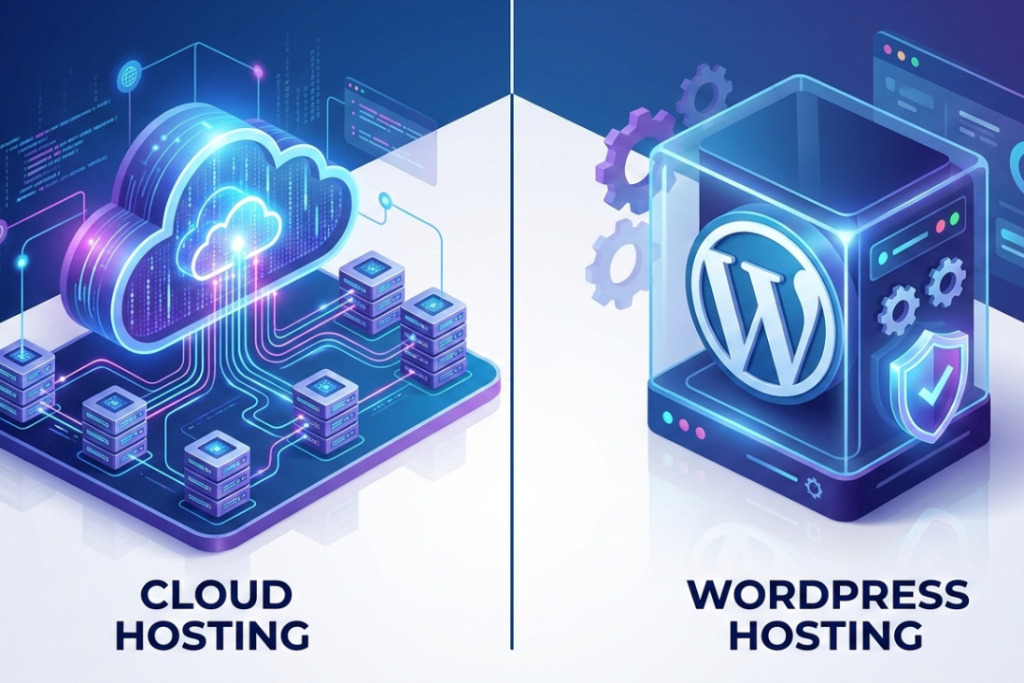
Your website is where your online presence starts. Whether it’s a blog , a business site or an online store, the hosting you choose affects your site’s speed, security and ability to grow. Many website owners compare cloud hosting with WordPress hosting. They might look the same but they work in different ways.
This guide explains the difference in a simple way and helps you decide which option is right for your website.
Cloud Hosting vs Hosting for WordPress: Quick Overview
Let’s see the main differences between these two hosting types.
- Cloud hosting is flexible and can handle growth by using multiple servers.
- WordPress hosting is designed to be simple and work perfectly with WordPress sites.
Both are reliable , but they solve different problems.
What Is Cloud Hosting?
Cloud hosting means your website doesn’t rely on a single server. Instead , it runs on several servers working together.
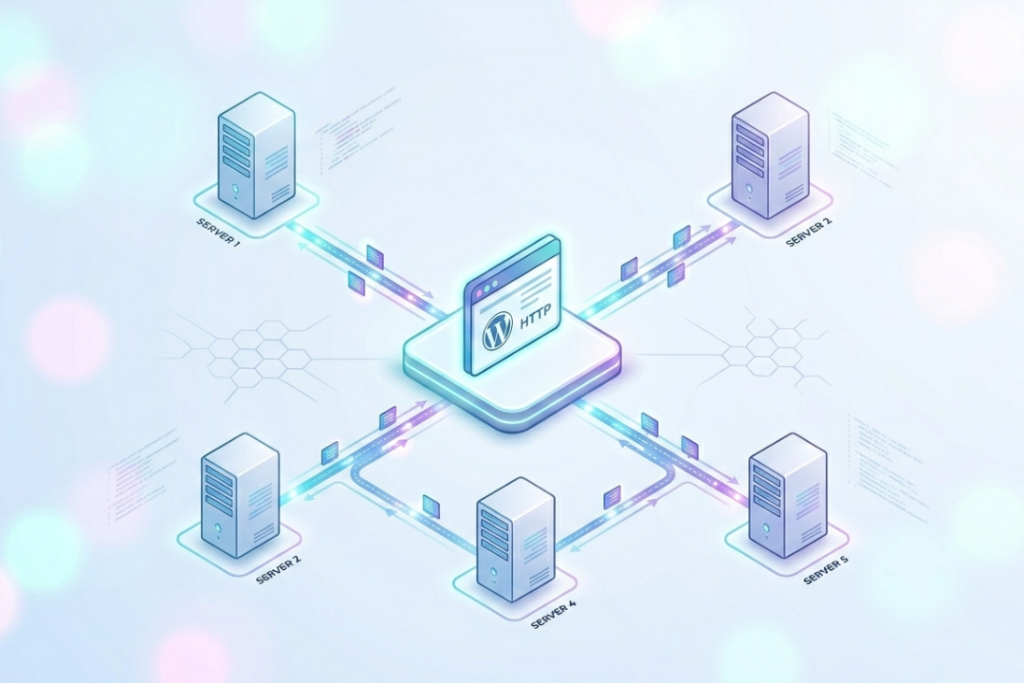
If one server goes down , another one steps in. This keeps your website online and running smoothly , even when lots of people visit at the same time.
Key benefits of cloud hosting
- High uptime and reliability
- Easy scaling during traffic surges
- Flexible resource usage
- Suitable for growing websites
Cloud hosting is a good choice for growing websites or sites with unpredictable traffic.
What Is Hosting for WordPress?
WordPress hosting is made specifically for WordPress websites. The servers are optimized for WordPress and updates, backups and security happen automatically
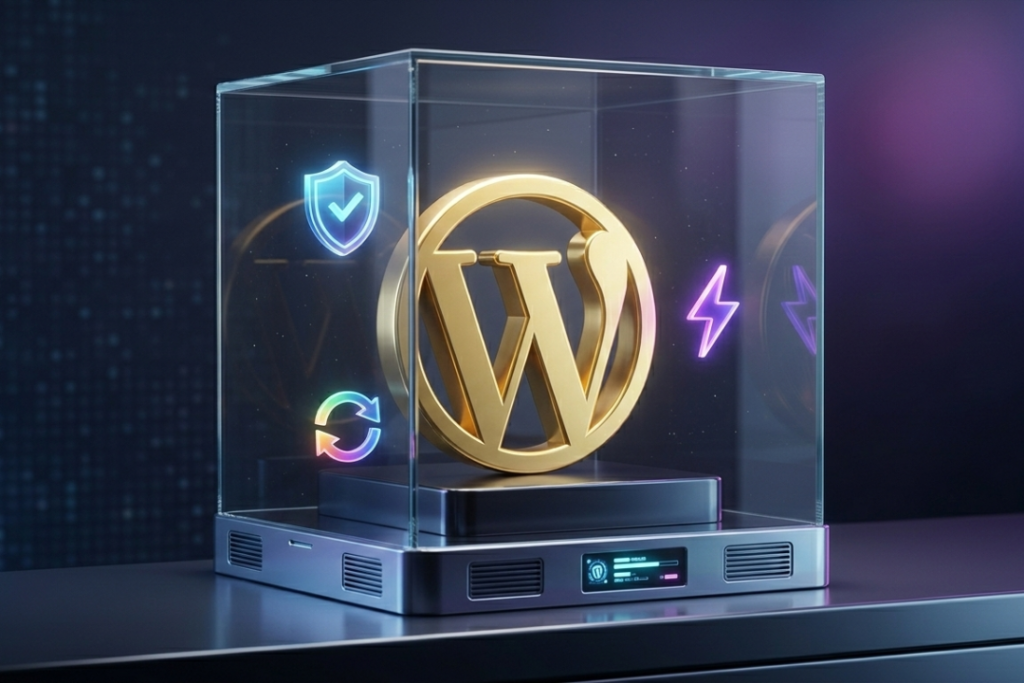
Key benefits of WordPress hosting
- Easy WordPress setup
- Automatic updates and backups
- Built in security features
- WordPress expert support
This hosting is perfect if you want an easy , worry free WordPress experience.
Cloud Hosting vs Hosting for WordPress: Key Differences
Let’s see how these two options compare.
1. Performance and Speed
- Cloud hosting uses several servers to share traffic , keeping your site fast even when many people visit at the same time.
- WordPress hosting keeps your site fast for normal daily visits.
Winner: Cloud Hosting
It deals with sudden traffic increases more easily.
2. Scalability
- Cloud hosting lets you adjust resources as needed , often without stopping your site.
- WordPress hosting has set resources , so you may need a bigger plan as your site gets bigger.
Winner: Cloud Hosting
3. Security
- Cloud hosting keeps your site safe , but some security features might require setup on your part.
- WordPress hosting keeps your site safe with malware scans, updates and backups.
Winner: Hosting for WordPress
4. Ease of Management
- Cloud hosting may require some technical knowledge , especially for configuration and optimization.
- Hosting for WordPress is beginner friendly and handles most technical tasks automatically.
Winner: Hosting for WordPress
5. Cost and Pricing
- Cloud hosting often uses flexible pricing based on resource usage.
- WordPress hosting usually has fixed pricing , which makes budgeting easier.
Winner: Tie
It depends on your traffic and budget needs.
Cloud Hosting vs Hosting for WordPress: Comparison Table
| Feature | Cloud Hosting | Hosting for WordPress |
| Performance | Excellent under heavy traffic | Optimized for WordPress |
| Scalability | High and flexible | Limited by plan |
| Security | Strong but configurable | WordPress-focused and managed |
| Ease of use | Moderate | Very easy |
| Cost | Usage-based | Fixed pricing |
| Best for | Growing or high-traffic sites | WordPress-only sites |
Which One Should You Choose?
Choose Cloud Hosting if:
- You expect traffic spikes
- You plan to scale your website
- You run multiple sites or applications

Choose Hosting for WordPress if:
- Your site is built only on WordPress
- You want minimal technical work
- You value simplicity and convenience
Can You Use Cloud Hosting for WordPress?
Yes. Many providers offer cloud based WordPress hosting , which combines the scalability of cloud hosting with the ease of WordPress hosting.
This option gives you:
- Cloud performance
- WordPress optimization
- Managed features
It’s a good middle ground for growing WordPress websites.
Why Choosing the Right Hosting Provider Matters
No matter which hosting type you choose , your provider should offer:
- Reliable uptime
- Strong security
- Helpful customer support
- Easy upgrade options
A good provider ensures your website stays fast , secure and ready to grow.
Final Thoughts:
The best option depends on your needs.
- Cloud hosting is ideal for flexibility , scalability and performance under pressure.
- Hosting for WordPress is perfect for ease of use and WordPress specific optimization.
Think about your website’s current needs and future plans. Choosing the right hosting today can save you time , money and stress later.
Frequently Asked Questions
Is cloud hosting better than WordPress hosting?
Not always. Cloud hosting is better for scalability , while WordPress hosting is better for ease of use.
Is WordPress hosting good for beginners?
Yes. It handles most technical tasks automatically.
Can I switch from WordPress hosting to cloud hosting later?
Yes. Most hosting providers support easy migration.
Is cloud hosting expensive?
It depends on usage. Small sites may pay less, while high traffic can increase costs.
Does cloud hosting work well with WordPress?
Yes, especially when combined with managed WordPress features.